> For the complete documentation index, see [llms.txt](https://docs.kinto.xyz/kinto-the-modular-exchange/llms.txt). Markdown versions of documentation pages are available by appending `.md` to page URLs; this page is available as [Markdown](https://docs.kinto.xyz/kinto-the-modular-exchange/user-guides/swap-on-kinto.md).
# Swap on Kinto
Users can now swap selected assets on Kinto. Please carefully follow the steps below.
First, select the asset you want to swap from on Kinto. Do this by selecting the asset type in the 'From' box - in the image below it is currently USDC.
You will then see a list of all available assets to swap. Select the asset and enter the amount.
Next, do the same for the 'To' box to select the asset you want to swap into. \
\
In the image below you can see that USDC has been selected to swap into USDT. The amounts have also been populated. The image shows the Swap Fee that will be paid for the transaction at the bottom. Next click 'SWAP' to continue.
Swaps require two txs to be signed. The first bridges to Ethereum and the second swaps and bridges back to Kinto. \
\
***Users need to ensure that they remain on the page and do not refresh during the process while these tx are processed.***
Click 'Confirm Transaction' to begin.
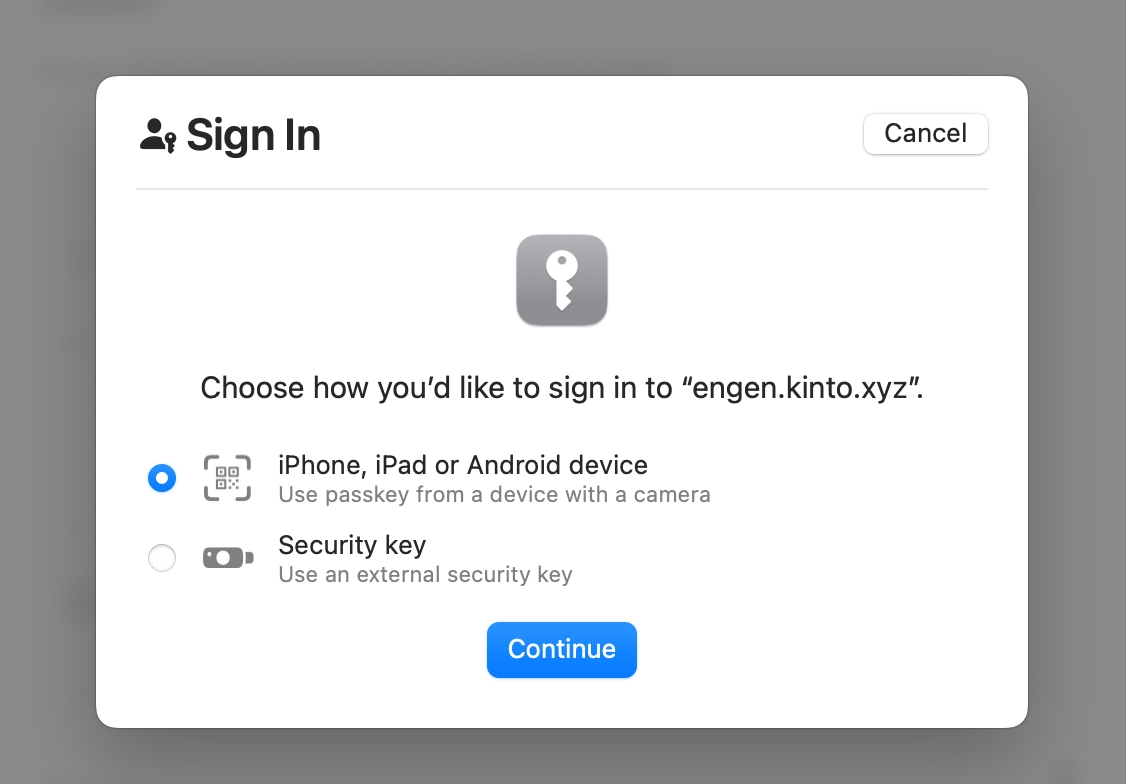
Please sign the tx as prompted in the UI.
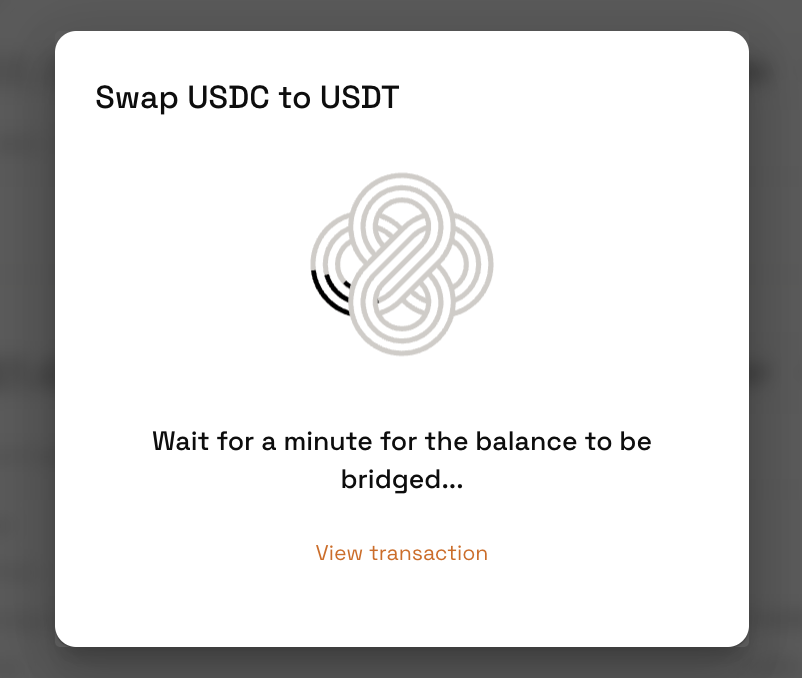
Wait for the tx to process. When it is complete you will see 'Funds Bridged' - this can take a few minutes. ***Do not navigate away from the page while it is loading.*** Once you see the below screen, click 'continue'.
Sign the next tx and wait for the funds to be bridged. ***Do not navigate away from the page while it is loading.*** Remain patient while this takes place.
Once it is complete you will see 'Swap Completed'. At this point you can click 'Continue' and see your swapped asset in your portfolio.